
【Goal】When creating a map in Wolf RPG Editor, scrolling can become cumbersome as the size of the map increases. In such a case, this tutorial will introduce a method for how to scroll easily even on a large map.
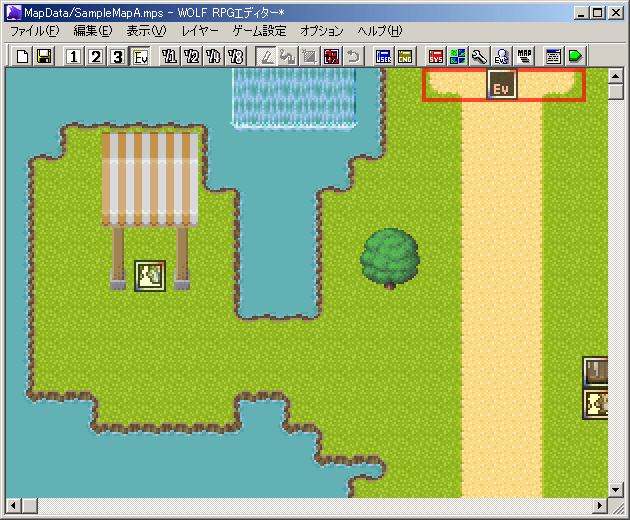
[1] First, let’s open “Sample Map A” in the sample game.
Please click the “Map Select” button  and select “Sample Map A.”
Even if you maximize the window, the “Sample Map A” is still not fully visible (probably).
Normally, you would use the window’s scrollbars or your mouse’s wheels to scroll up, down, left, and right, but it can get annoying when the map is just too big.

[2] The mouse wheel is the key!
Use the mouse wheel (middle button) as shown in the image on the right (red).
Make sure your cursor is on the map and try holding down the wheel and dragging in any direction.
(It doesn’t matter which layer is currently selected.)
[3] Did it work?
How is it? Did the map scroll as you moved the mouse?
Now let go of the wheel; the scrolling should also stop.
If you use this, even a huge map can be easy to navigate.
[Side Note] If the method above does not work… (Version 1.31 and beyond)
Some people may not be able to perform step [2] such as those who use a mouse without a (scroll) wheel or those who use the touchpad on a laptop.
Don’t worry; if you use Wolf RPG Editor (version 1.31 or later), you can do the same thing as above by moving the mouse while pressing the space key.
At this point in time, the mouse is shaped like a finger… Perhaps you can do the same with a pen tablet.
 tereSPITE